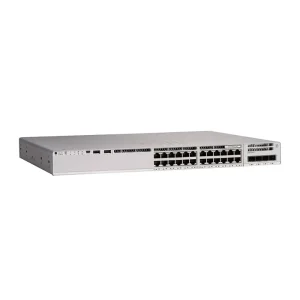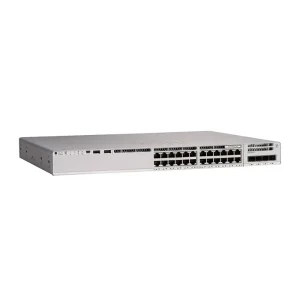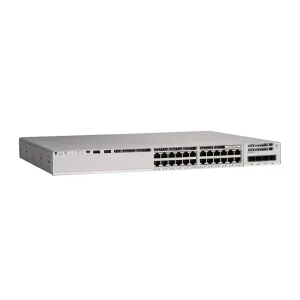
Access switches often look similar until you compare uplinks. A 24- or 48-port copper edge with only 1G uplinks can become the bottleneck long before the downlink ports are “full.”
What the uplink actually carries
Uplinks aggregate user traffic, wireless backhaul, backup windows, and east-west flows between closets. If you have dense Wi-Fi 6/6E APs or many camera streams, sustained throughput can exceed a single 1G link even when average utilization looks modest.
When 1G is still enough
- Small branch or SMB closet with light file/print and a few APs
- Mostly voice + browsing with predictable peaks
- You can use dual 1G uplinks with LACP and accept ~2G aggregate
When to prefer 10G
- Campus floors with many high-density APs
- Video surveillance or NVR backhaul on the same access stack
- Future growth within 3–5 years without another forklift upgrade
- Stack or chassis designs that already assume 10G fabric toward distribution
| Scenario | Typical uplink | Note |
|---|---|---|
| Small office | 1G copper/SFP | Dual uplink recommended |
| Campus floor | 10G SFP+ | Match fiber plant |
| Wi-Fi dense | 10G or multi-gig | Watch AP uplink speed too |
Fiber, optics, and BOM surprises
Choosing 10G means budgeting optics (SR/LR), patch panels, and sometimes multimode vs single-mode plant upgrades. Put optics and DAC/AOC needs on the RFQ so the switch price alone does not mislead the total project cost.
Decision rule of thumb
If you cannot explain how peak aggregated demand stays under ~700 Mbps sustained on the uplink path, shortlist 10G. If the distribution layer is already 10G+, keep the access uplinks consistent unless cost forces a temporary 1G design with a documented upgrade path.
Compare models in product comparisons, review access switches, or request a quote with floor count, AP density, and fiber type.