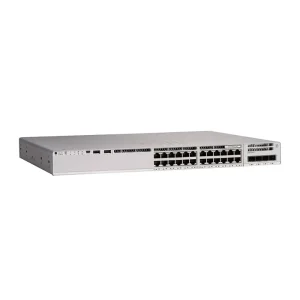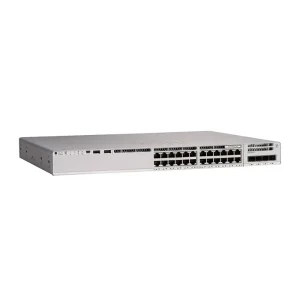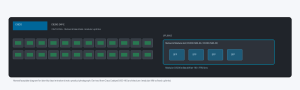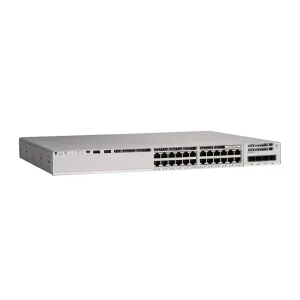
Port count is the most visible SKU difference — and the easiest way to overbuy or underbuy. The right choice depends on closet density, PoE draw, uplink design, and how many spare ports you truly need.
Count usable ports, not just the label
A “48-port” switch may dedicate some ports as combo or uplink depending on the platform. Confirm downlink copper count, SFP/SFP+ uplinks, and whether stacking ports consume faceplate density. Always map to your patch panel capacity.
When 24-port wins
- Smaller closets or branch rooms with <20 active drops
- You want lower PoE budget / power draw / heat
- Budget prefers two smaller switches for failure domains
- Rack space allows a second unit later for growth
When 48-port wins
- Dense floors where a second chassis would waste uplink ports and management overhead
- PoE camera + AP mixes that already approach 30+ powered drops
- You need spare capacity without opening another RFQ in 12 months
| Factor | 24-port | 48-port |
|---|---|---|
| CapEx per port | Often higher | Often lower at scale |
| Failure domain | Smaller blast radius | Larger if single unit |
| PoE budget | Easier to size | Must verify total watts |
| Ops overhead | More devices if many closets | Fewer managed nodes |
Do not ignore power and cooling
Two 24-port PoE switches can exceed one 48-port unit in total power — or the reverse — depending on PSU options. Ask for PoE budget, redundant PSU support, and acoustic/thermal limits for the closet.
Practical selection sequence
- Count active drops + 20% spare
- Map PoE devices and total watts
- Confirm uplink speed (1G vs 10G)
- Choose 24 vs 48 for density and failure domain
- Align brand/series with existing ops skill
Browse network switches, use buying guides, or request a quote with drop counts and PoE inventory.